


The To-Do List Planner
The To-Do List Planner
✨ Digital product - Instant delivery by email
📖 Easy to use – Detailed instructions included
📱 Usable on all devices – Google Sheets (free)
📥 Lifetime access – No subscription
⏰ Limited offer! Ends at midnight:
FREE PLANNER INCLUDED 🎁
Unable to load pickup service availability

Included Content

Included Content
This digital product includes 4 complete dashboards, as well as detailed setup instructions for easy and quick use.
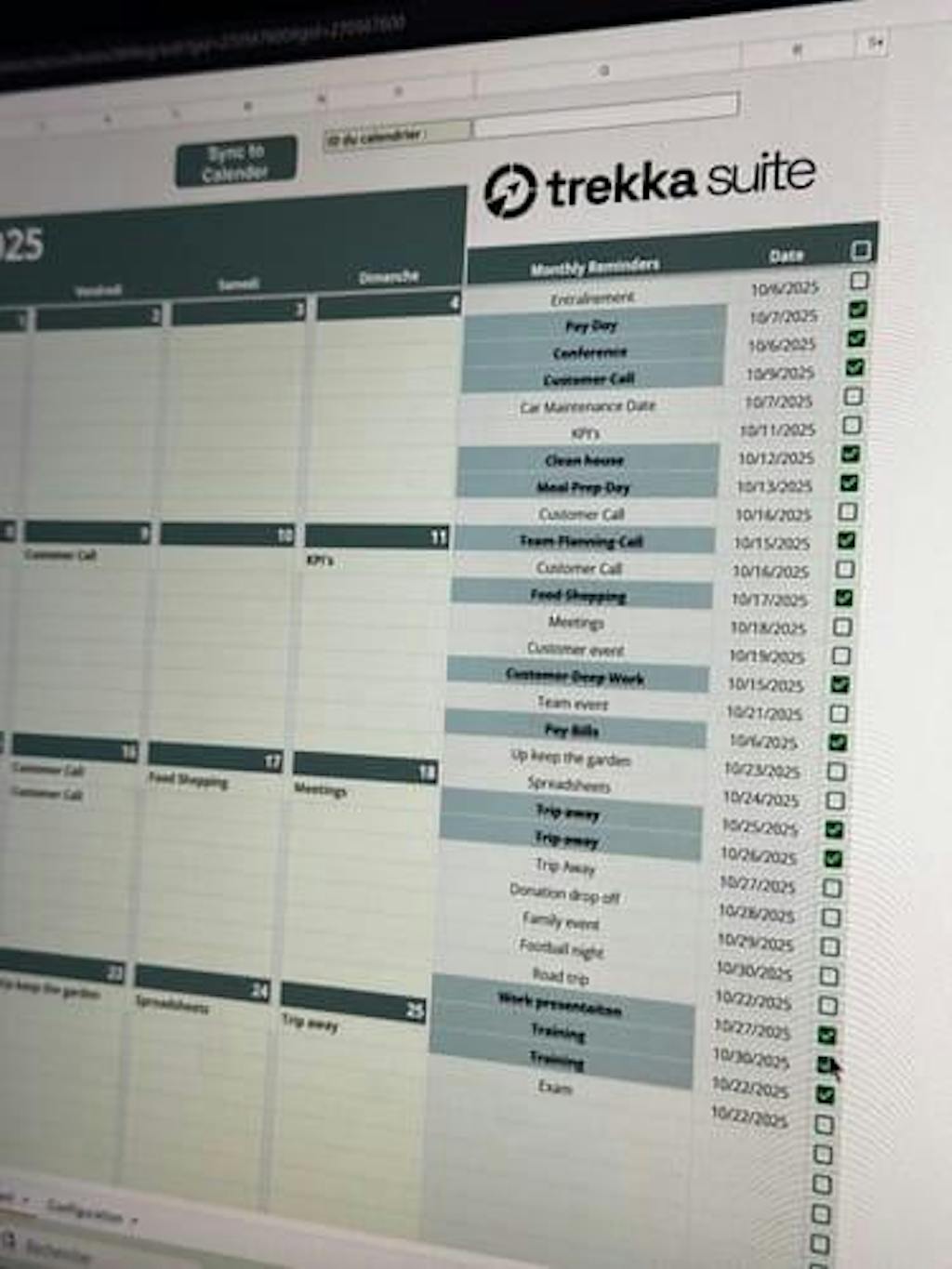
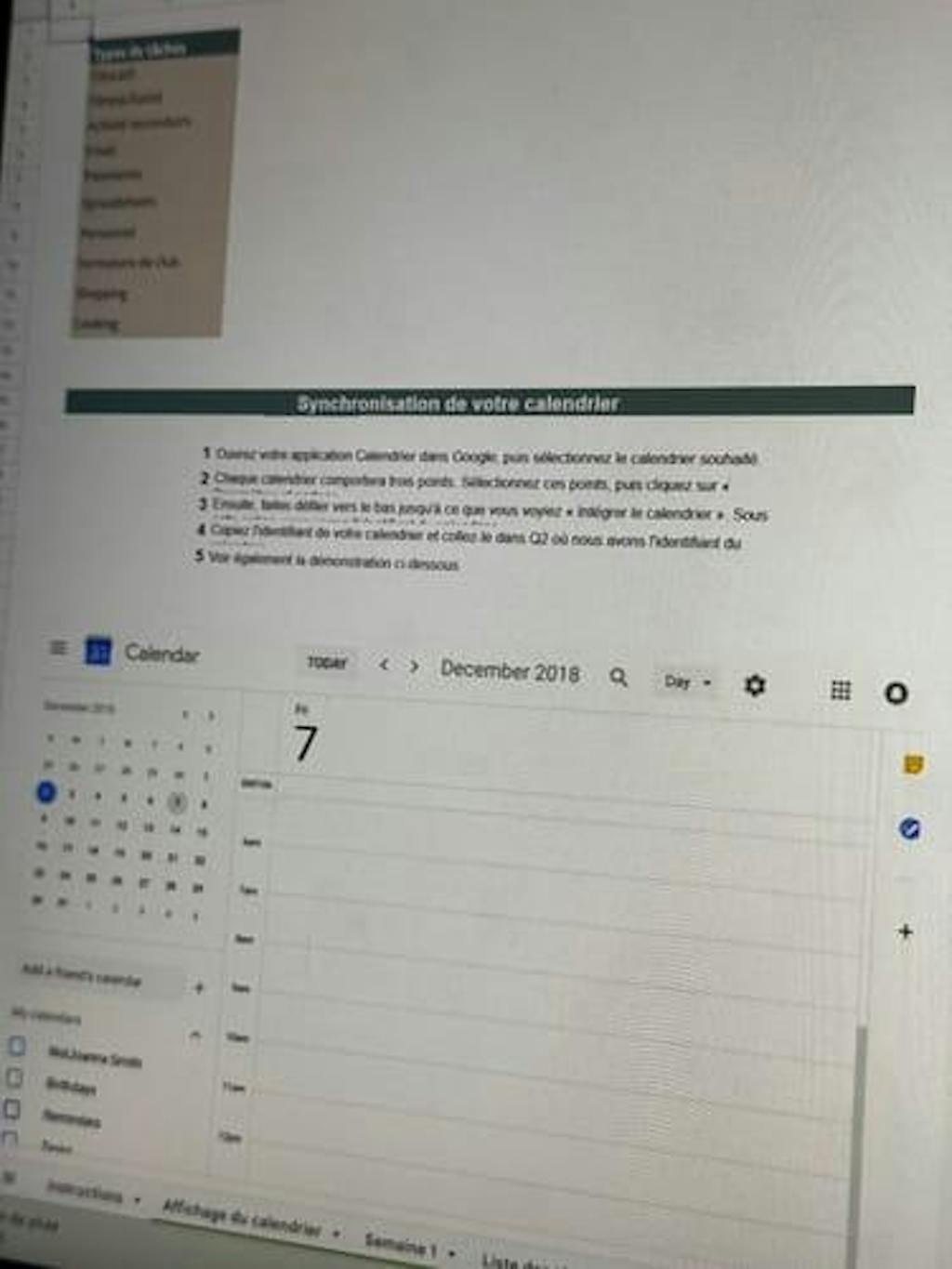
✅ Monthly calendar syncable with Google Calendar
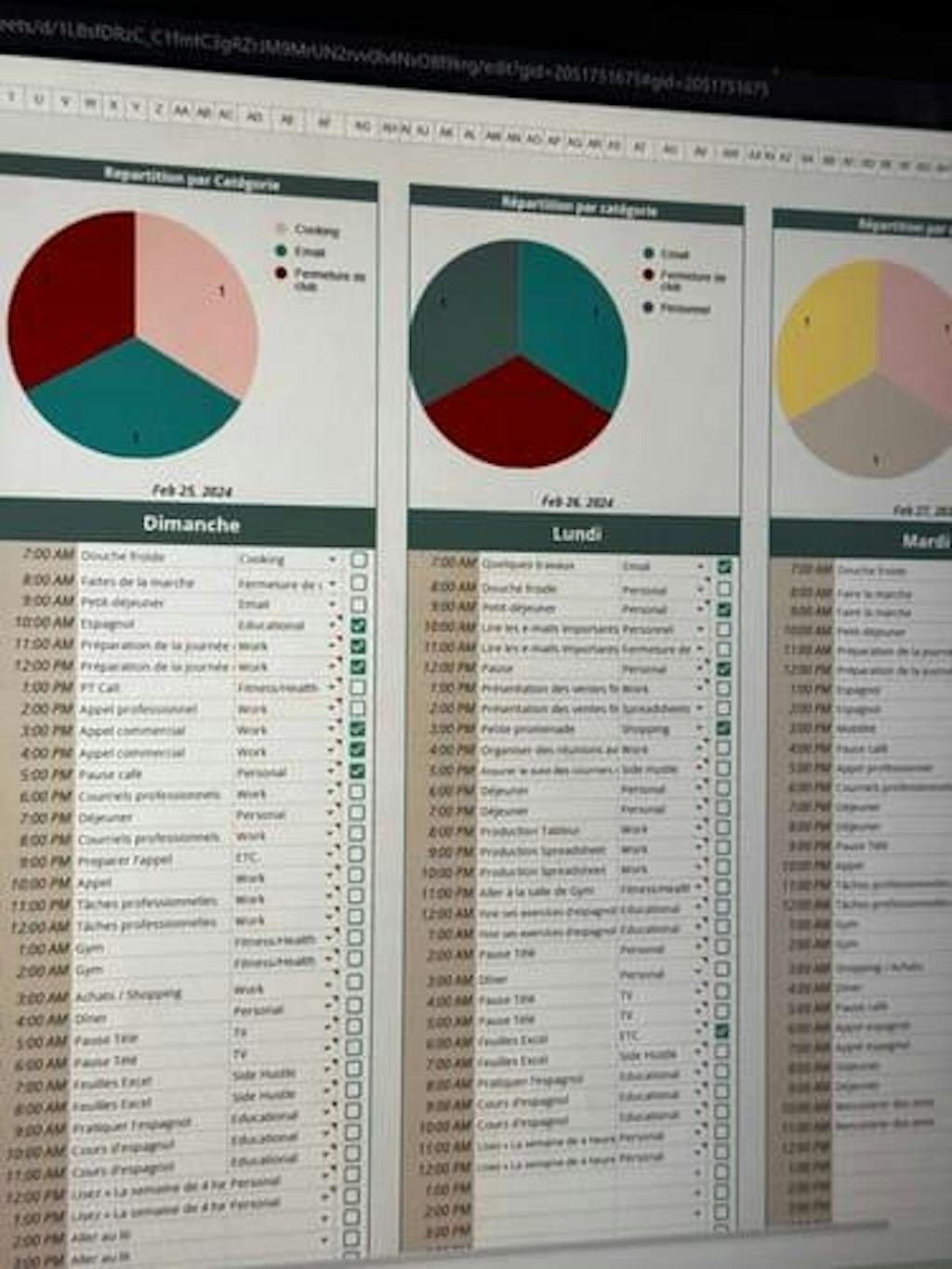
✅ Weekly overview of goals
✅ Complete To-Do List tracking
✅ Priority & progress boards

Our Guarantees

Our Guarantees
✅ 100% digital product
No physical item will be shipped. All files are accessible online after purchase.
⚡ Instant download
Immediate access to all files after order confirmation.
(For optimal experience, we recommend using Chrome or Safari.)
🛡️ TREKKA Satisfaction Guarantee – 90 days
You can test our tools with peace of mind.
If the product does not suit you, you can request a refund without conditions within 90 days after your purchase.
👤 Personal use only
TREKKA files are strictly reserved for personal use.
They may not be resold, shared, copied, modified, or used for commercial purposes under any circumstances.
💬 Customer support 7/7
Our team is available to assist you and answer your questions at any time.
 Instant Delivery
 90-Day Guarantee
 Customer Support 7/7
Before, I wrote my tasks all over the place without really tracking them. Now, everything is clear, prioritized, and I really see my progress.

The To-Do List Planner



All-In-One System
Plan your tasks, visualize your priorities, and move forward each day with more clarity, without mental overload.
It Really Makes a Difference!
More than 90% of our users report better organization and more consistent productivity daily.
95%
reported better management of their priorities and stopped postponing important tasks.
91%
feel more organized week after week thanks to a clear view of their schedule.
89%
noticed an increase in their productivity without working longer hours.
Results based on feedback from our Trekka users for “The To-Do List Planner”.

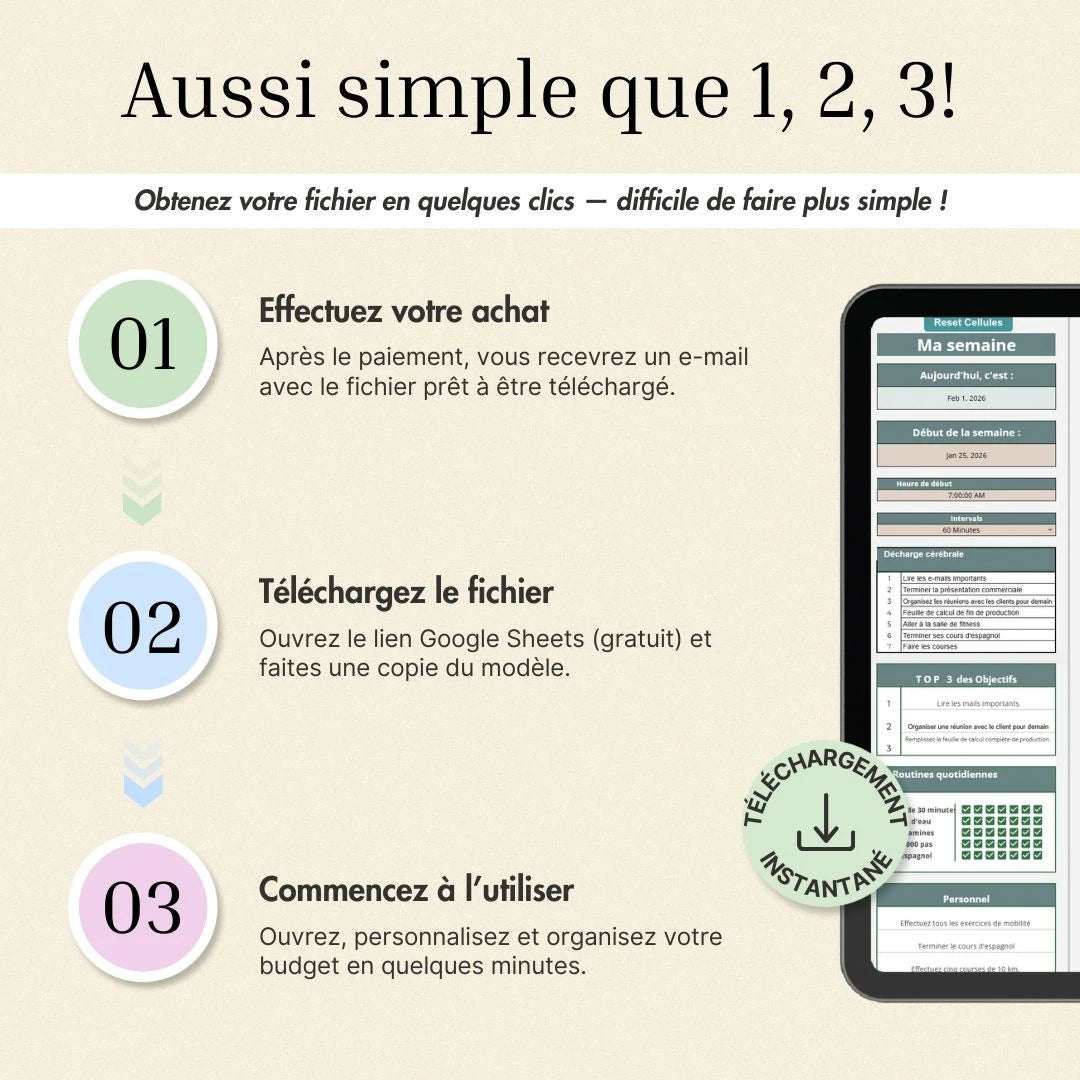
Get Started in Minutes
Download, open the file, and start organizing your budget immediately.
They Use Trekka Daily
Why choose Trekka over a simple file?

|

|
|
|---|---|---|
| All-in-one (budget, tracking, organization) | ||
| Automatic tables | ||
| Clear and motivating design | ||
| No skills required | ||
| Continuous updates (every month) | ||
| Smooth & intuitive experience |
Frequently Asked Questions
Can I use this template on Excel?
Can I use this template on Excel?
Our files have been designed exclusively for Google Sheets (free).
Some features and formatting may not work properly on Excel.
We recommend Google Sheets because it is easier to use and accessible on all your devices (computer, tablet, mobile).
Why does a warning message appear when I edit the sheet?
Why does a warning message appear when I edit the sheet?
To allow you to use the file with peace of mind, some cells have been protected to prevent accidental modification of formulas.
If you are familiar with Google Sheets, just click "OK" to continue.
Can I change the colors of the template?
Can I change the colors of the template?
Yes 😊
Our files use a customizable color palette.
To change it:
Format → Theme → Customize
You can then adapt the template to your preferences.
Can I add my own categories?
Can I add my own categories?
Yes, absolutely.
An instruction section is included in the file to show you how to modify or add your own categories easily.
Can I reuse this template next year?
Can I reuse this template next year?
Yes ✔️
You can use this file as many times as you want, without needing to repurchase it.
We simply advise you to keep a blank copy of the file for future use.
I'm bad at Excel / Google Sheets, will I manage?
I'm bad at Excel / Google Sheets, will I manage?
Yes, no problem 😊
You do not need to be comfortable with spreadsheets to use this tracker.
Everything is already fully set up:
formulas, charts, and formatting are ready.
You have nothing to configure.
A clear user guide (and/or a short video) guides you step by step, showing you exactly where to click and what to fill in.
Simple, smooth, hassle-free.
What is the refund policy?
What is the refund policy?
We want you to use our tools with peace of mind.
That is why you benefit from a 90-day trial period to fully test your digital product.
If, for any reason, it does not bring you the expected value, just contact us by email within this period.
Your request will then be processed in accordance with our satisfaction policy.

Try With Peace of Mind for 90 Days
Consider this as a 90-day trial period to fully discover your digital product.
You have 3 full months to use, test, and organize your daily life with our files.
If for any reason you are not satisfied, just contact us and we will refund you according to our policy.
No complications.
You only keep the product if it brings you real value.
Any questions?
Our support is available 7 days a week at: info@trekkasuite.com
Fair, right?
Try our digital tools risk-free today!
You might also like...
-
 On Sale -20%
 -
 On Sale -100%
TREKKA ESSENTIAL BUDGET
Regular price 0,00€Regular price 0,00€ Sale priceUnit price per19,99€100% -
 On Sale -100%
 -
 On Sale -55%
 -
 On Sale -55%
 -
 On Sale -50%


